Focus like
your life depends on it.
Block distracting websites in Chrome and Chromium browsers, then use focus sessions, tasks, and insights to stay on track.
How it works in 60 seconds
- 1Install Blokrly from the Chrome Web Store.
- 2Pick a Social, Video, or News preset list — no sign-up needed.
- 3Turn on strict mode and start a focus session.
A focused Chrome extension
Block distracting websites, start a focus session, and review your progress in one place.
Rules and settings sync
Keep your Blokrly rules and settings available when you sign in to your account.
Start with a timer.
Use a Pomodoro session to turn your block list into a focused work period.
Strict Mode
Active rule enforcement.
> INITIALIZING PROTECTION...
> LOAD_RULES: social_media.json
> BLOCK: instagram.com [200 OK]
> BLOCK: twitter.com [200 OK]
> VERIFYING INTEGRITY...
> SYSTEM SECURE
Focus ROI
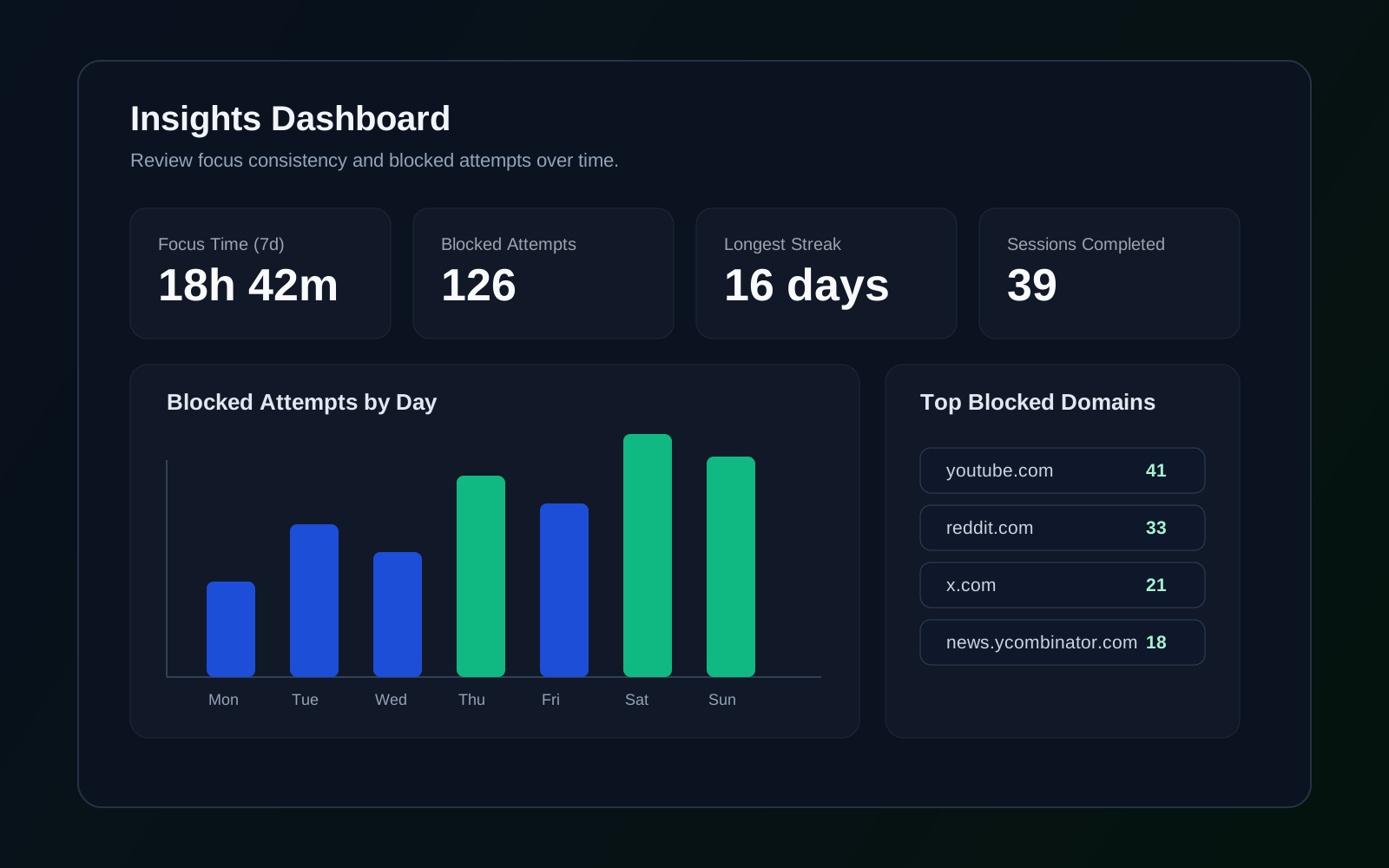
Track focus data while we sync your rules and settings—not your browsing history.
Built for professionals
who can't afford distractions
Developers
Ship code without Twitter breaks. Block social media during sprints and focus on fixing bugs without context-switching.
Write better code, faster.
Researchers
Write papers without YouTube rabbit holes. Eliminate the temptation to watch just one more video and protect deep thinking time.
Publish meaningful work.
Founders
Build products without endless email checking. Schedule focus blocks for strategic work instead of reactive firefighting.
Lead with clarity.
Students
Study without TikTok scrolling. Ace exams with distraction-free study sessions that actually stick.
Learn without limits.
More than a new-tab reminder
Blokrly puts blocking and focus tools together in one Chrome extension.
v1.0 Public Beta
Built in the open by a solo developer.
Join the first 100 users and help shape Blokrly’s roadmap with your feedback.
Why other tools fail
A blocker works best when it helps you pause before making an impulsive exception.
Blokrly is different. Its strict-mode and unlock controls add friction while keeping blocking, timers, and tasks together in Chrome.
Frequently Asked Questions
Everything you need to know about reclaiming your time.
Ready to Take Control?
Free to install. No credit card required.